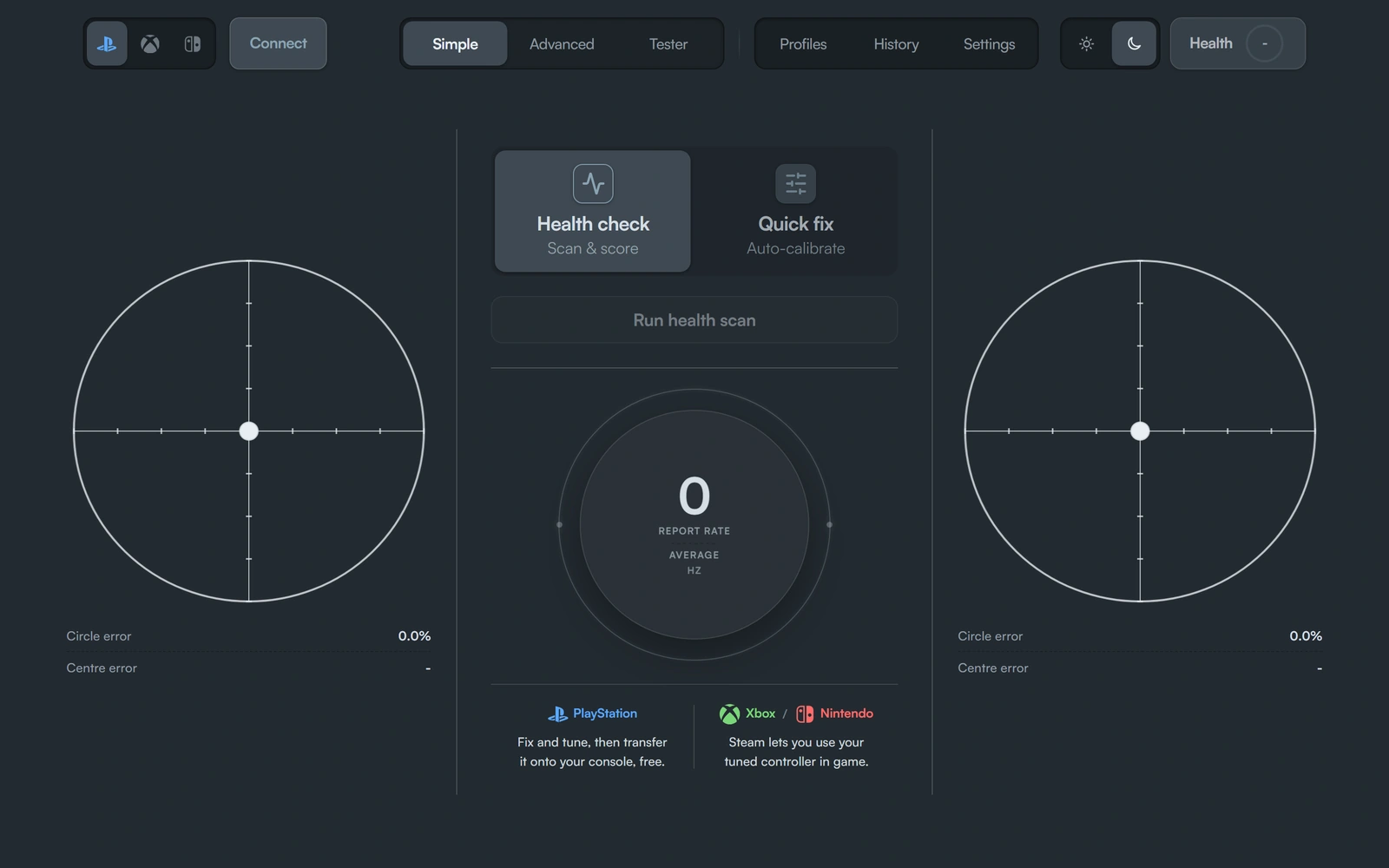


Circle error0.0%
Centre error -
PlayStation
PlayStation saves to console over USB on the web (here) for free.
XboxNintendo
Xbox and Nintendo need Steam on Windows to save to console.
Circle error0.0%
Centre error -
PlayStation saves to console over USB on the web (here) for free.
Xbox and Nintendo need Steam on Windows to save to console.
If the stick is off-centre rather than worn, Quick Fix writes a new centre. Connect your controller over USB and run a free scan with your hands off the sticks. You get a 0-100 Health Score showing resting drift, how evenly the stick travels, and trigger behaviour. If the rest point is steady but off-centre, Quick Fix can save the correction. If the signal is noisy, the honest answer is usually a replacement, not another calibration.
PlayStation pads save the fix over USB here, for free. Xbox and Nintendo pads can be tested here; saving the fix onto the controller needs the Windows app on Steam, £19.99 once. The test runs in desktop Chrome, Edge or Opera. Nothing from the scan is uploaded to a server. Use the free path first, then pay only if you need named setups or an Xbox or Nintendo write.
DriftNo Lab supports PS5 DualSense, DualSense Edge, PS4 DualShock 4, Xbox Wireless Controller (Series X|S, One), Xbox Elite Series 2, Nintendo Switch Pro Controller, and Joy-Con. PlayStation pads can write permanent calibration to controller hardware over USB in the browser. Xbox and Nintendo pads can test and scan in the browser but require the Steam desktop app to save calibration fixes to the controller.
Connect your controller via USB and run a free stick drift test. Rest the sticks for five seconds to measure resting drift, then rotate them fully to capture circularity and range. You get a Controller Health Score (0-100) plus a breakdown by stick and component. This tells you if drift is a centre offset (software can fix) or sensor wear (needs a module replacement).
If the scan shows a correctable centre offset, Quick Fix writes a new zero-point calibration to the controller. PlayStation controllers save calibration to hardware NVS flash memory over USB in the browser (free). Xbox and Nintendo controllers save calibration via the DriftNo Steam app on Windows.
The Lab shows Before & After scores side by side with the drift delta. If calibration helped, you see the improvement. If drift barely moved, the page tells you the cause is likely hardware wear and suggests when to stop calibrating and replace the module instead.
PlayStation (DualSense, DualShock 4): Test, scan, Quick Fix, and Save to console are completely free over USB in desktop Chrome, Edge, or Opera. The browser talks directly to the controller through WebHID.
Xbox and Nintendo: Testing and Health Score are free in the browser. Saving calibration fixes to the controller requires the DriftNo Steam app for Windows (£19.99 one-off, Premium included) because Xbox and Nintendo controllers do not expose calibration writes through standard browser APIs.
See the pricing comparison for the full free vs. Premium vs. Steam feature breakdown, or read Premium vs. Steam: which should you buy?
New to stick drift diagnosis? Start with what is stick drift and how DriftNo measures it. Learn when calibration will not fix drift and when you need a module replacement instead. For calibration setup, read the WebHID browser setup guide for PlayStation or see Xbox controller web limitations.
Browse all stick drift and calibration guides, check full controller compatibility, or read the FAQ. For more about how the tool works and what's next, see About DriftNo.